
Participants User Profiles
This topic covers this part of the platform (mainly in CRM, can be reached from various participants tables in activations):
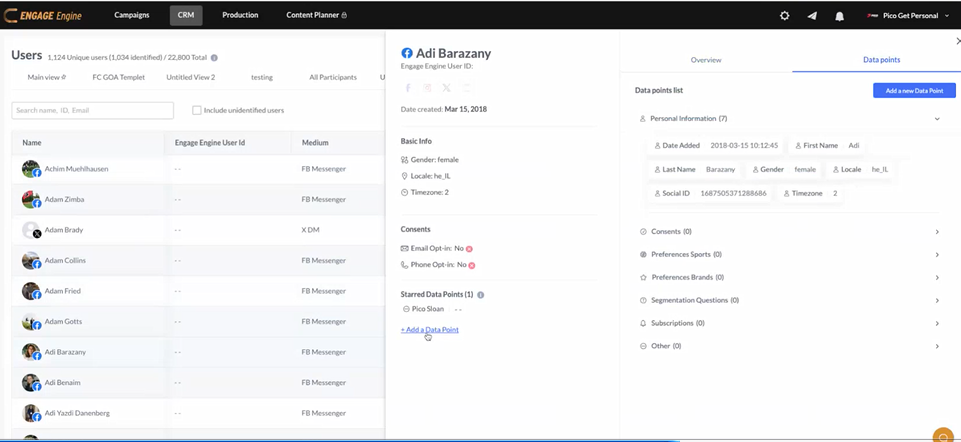
should include the following details:
Component full Description (including the social icons below the name)
Participated in Activation
Managing Data Points for User Editing and adding new DP
Starred data point section (how to add)
Deleting a user