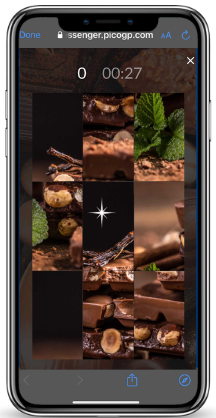
Swap Puzzle

Generate excitement for new product launches, challenge fans to identify star players, or create a festive atmosphere during holidays - all with this versatile image unscrambling game. Present a scrambled image, divided into tiles, and challenge your fans to race against the clock and reassemble it in the correct order. It's a fun, fast-paced activity that boosts participation and keeps fans engaged throughout the year!
The Game Plan: How It Works
After having set up your start screen with the title, and other necessary elements like the participation limit, you can proceed to setting up the activation itself.
On the game screen, you will need to set up the following to ensure that the activation goes smoothly:
Timer Options: You have two choices for adding time pressure: the stopwatch and the countdown timer.
Setting a Time Limit: Ensure the competitive spirit of your activation by setting a time limit! You can choose any duration you desire, but the default is one minute.
Game Difficulty: Choose the game difficulty that best suits your needs and your audience. The activation offers a variety of options, ranging from 3x3 to 7x7.
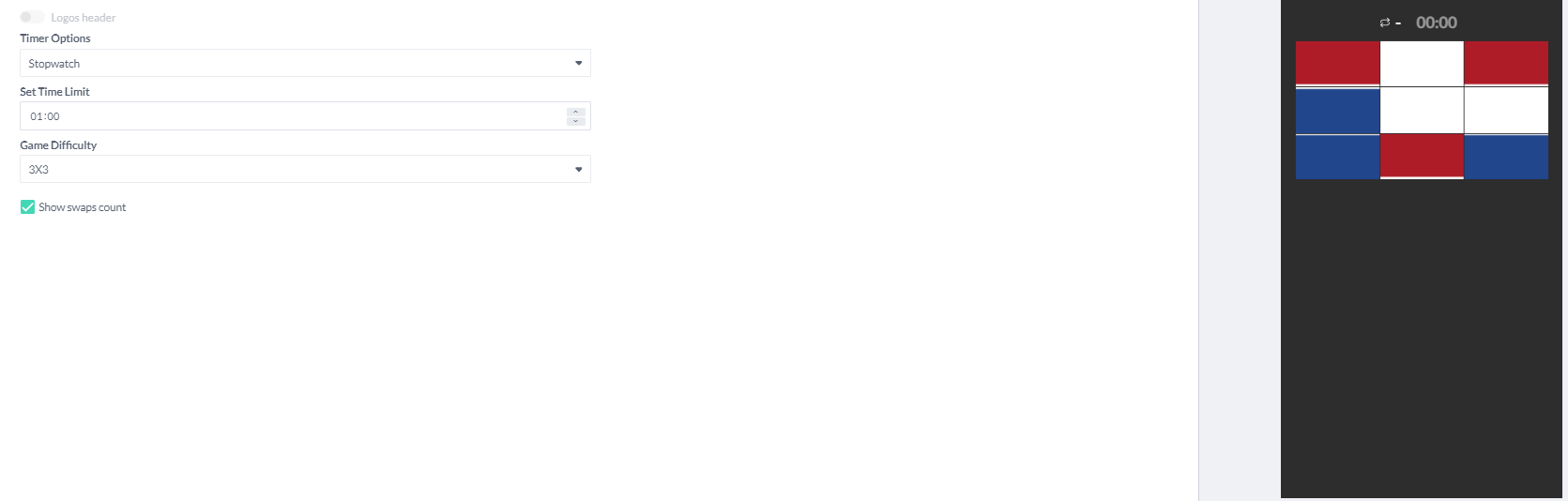

The checkbox under game difficulty lets you toggle displaying the swap count during gameplay.
Designing Your Swap Puzzle Activation
This is the most crucial step, as it determines the visual centerpiece of your entire activation. Upload your image here - it's essential to proceed. Remember, a captivating image will grab attention and keep players engaged in solving the puzzle.

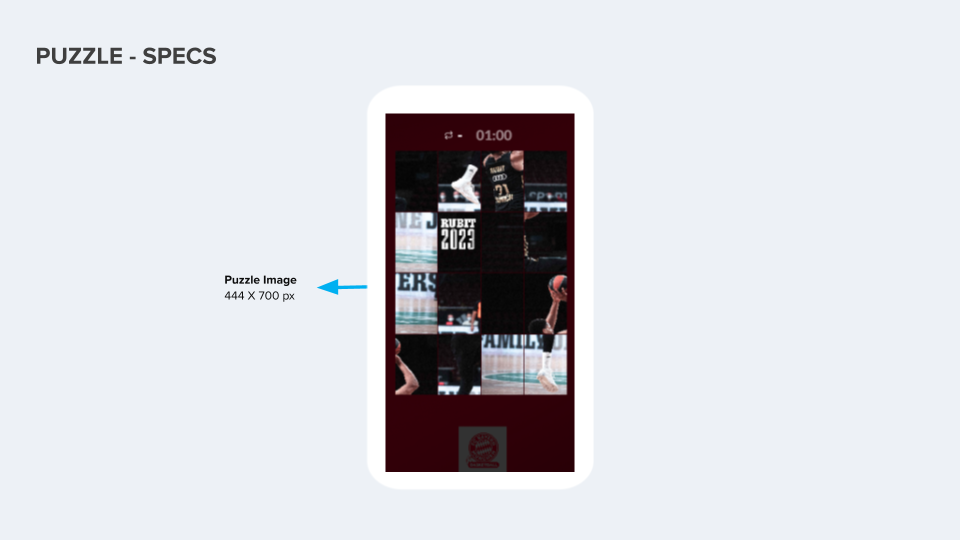
The image size (444x700) shown on the design tab is the recommended size for mobile display. You can see how your image looks on the preview for adjustments.
Key Points to Remember
Here are a few key points to remember when setting up your Swap Puzzle activation to ensure a great fan experience:
Adjust the difficulty: Challenge your audience with a variety of grid sizes but make sure that the image that you select can also accommodate different grids.
Customize the images: Select appropriate images that align with your activation's theme. Upload your images to the designated areas to ensure they appear correctly.
Game Assets
Welcome Message Image: 573*300 px
Game Settings:
Background Image: 1000*600 px
Start Screen Image (optional): 600*400 px
Game:
Puzzle Image: 444*700 px each
End Screen Image (optional): 600*400 px
Examples