
Tap It
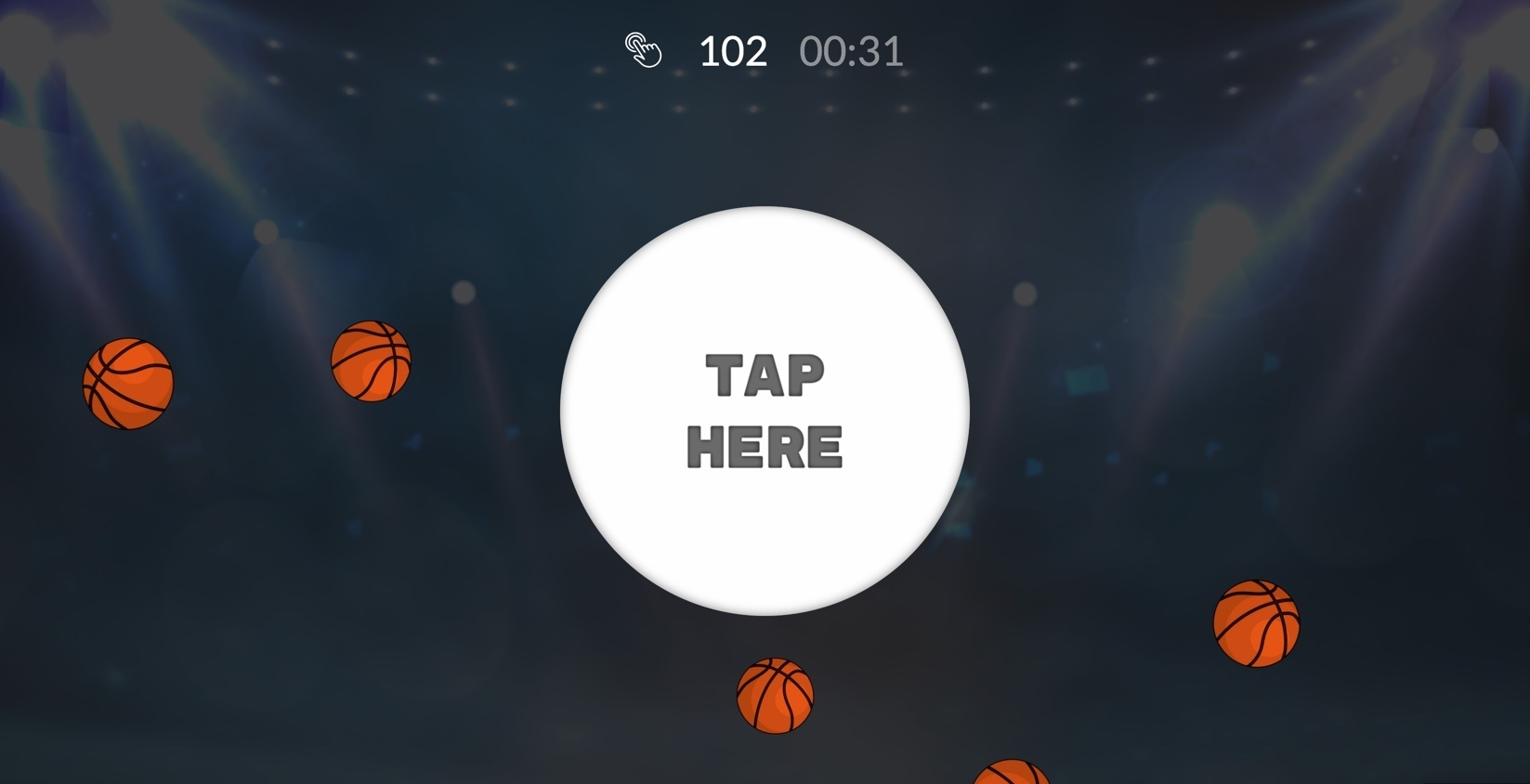
This fast-paced tapping challenge lets fans showcase their skills and compete for exciting prizes. Incorporate your products directly within the game for easy discovery and purchase, or raise brand awareness for your sponsors with strategic logo placements. During special events, tailor the game's theme to match the occasion and incentivize clicks on themed items. Tap It keeps fans engaged throughout your event cycle, fostering friendly competition and boosting overall engagement.
The Game Plan: How It Works
The first thing you'll see when you start setting up your activation after the start screen is the Game Duration. You can customize it, of course, to best suit your preferences and goals.

Designing and Customizing Your Activation
Circle Style: This image appears at the center of the screen as the tapping target. Choose one that perfectly suits your preferences.
Background Style: Note that the background image has a 20% transparency level. For best results, choose a less prominent color.


You can choose to add floating images to your activation or not. These floating images will pop-up and float behind the circle as participants continue tapping.
Key Points to Remember
Here's how to set up your Tap It activation for guaranteed success.
Empower Your Players: Craft clear and concise in-game instructions to help your fans grasp the gameplay with ease.
Set the Perfect Pace: Choose the ideal game duration to suit your needs. While the default is one minute, you can adjust it for a shorter burst or a longer challenge.
Game Assets
Welcome Message Image: 573*300 px
Game Settings:
Background Image: 1000*600 px
Start Screen Image (optional): 600*400 px
Game:
Floating Image (optional): 200*200 px
End Screen Image (optional): 600*400 px
