
Using Instagram with Engage Engine
Social media is a powerful tool for athletes, sports teams, and media outlets to connect with their audiences and create interactive experiences. Engage Engine provides a user-friendly platform to manage your social media presence and create engaging activations. This guide will specifically focus on how to navigate Engage Engine for sharing activations and social posts on your Instagram account.
Connecting Instagram to Engage Engine
Sign in to your Engage Engine account.
Go to Settings.
Locate the option to connect your Instagram account.
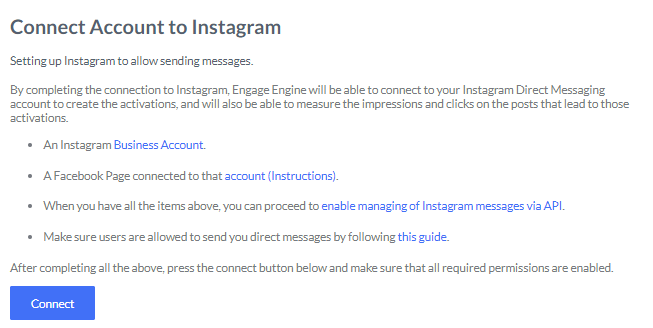

Note: Engage Engine will also connect to your Instagram Direct Messaging to create activations and measure results.